
foreUP Offers a mobile starter sheet that you can access on a mobile device. With a simple interface, it is perfect when you are providing an excellent experience to your customers as they begin their round of golf.
To access the Mobile Starter Sheet, open up your tee sheet on any Apple, Windows, or Android device. Scroll down to the bottom, and click on the button that says 'Starter Sheet'.
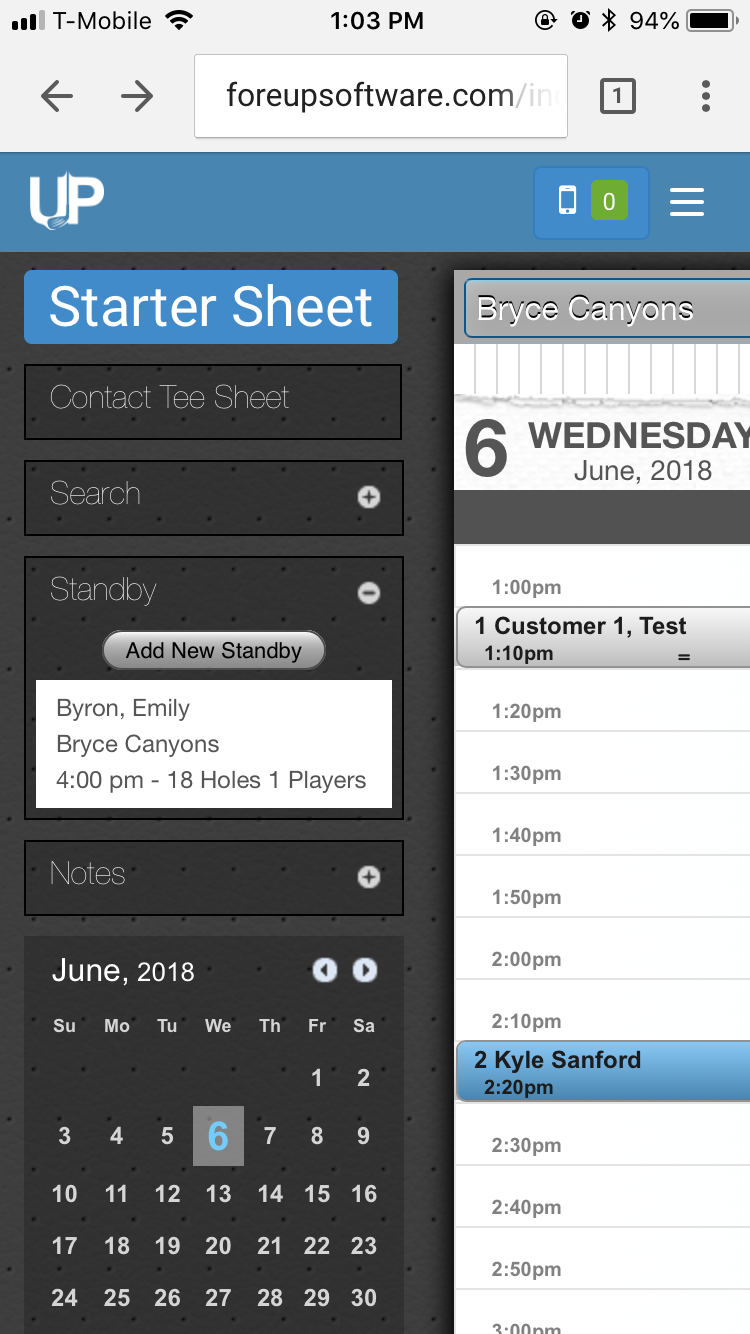
That will take you to a screen that looks something like this:
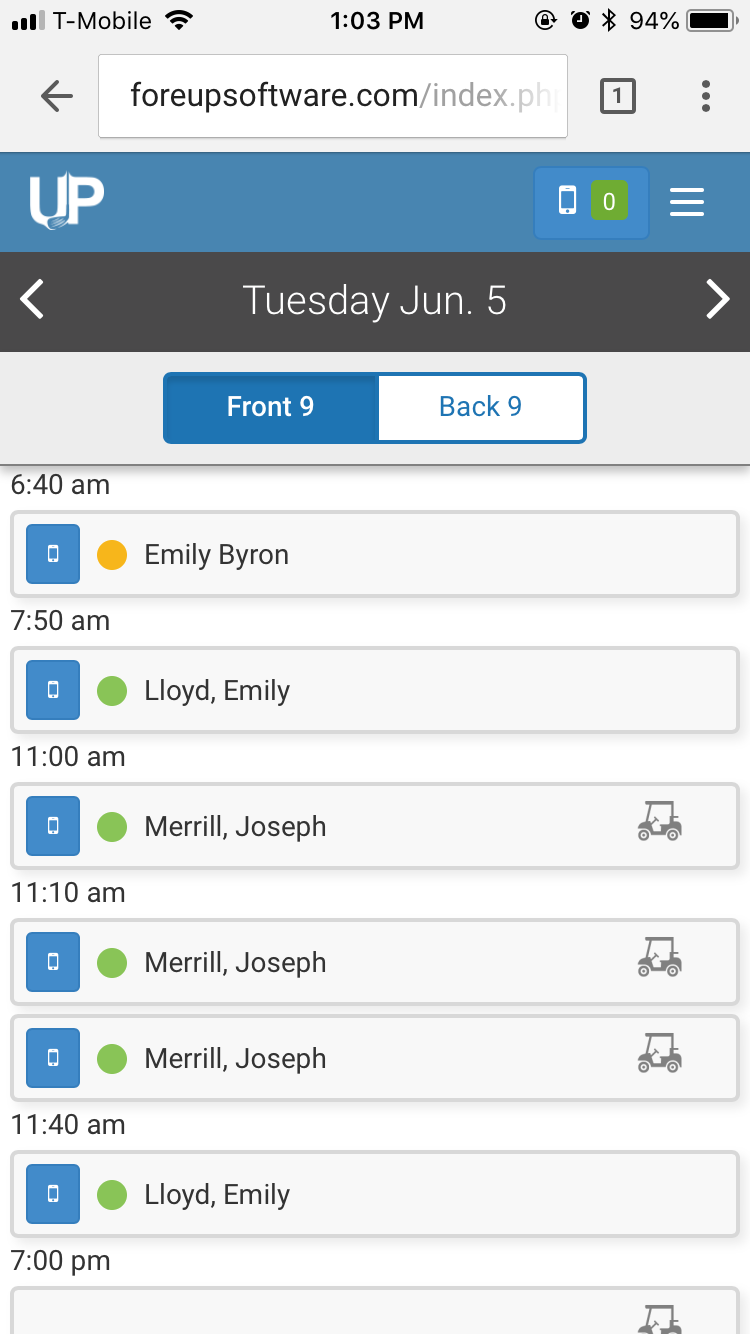
The green dots on the tee time represent players who have paid, whereas the yellow dots indicate a player has not yet paid. If you click on the tee time, you'll be able to see which specific players have/haven't paid.