
1. Go to the Tee Sheet module. 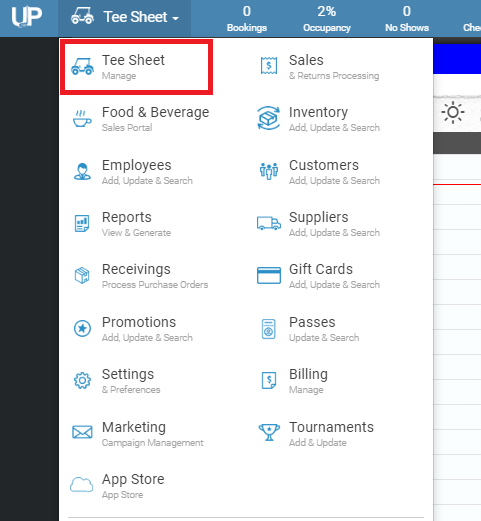
2. Click on the reserved tee time.
3. Click on the “split” box (found on the left side of the box).
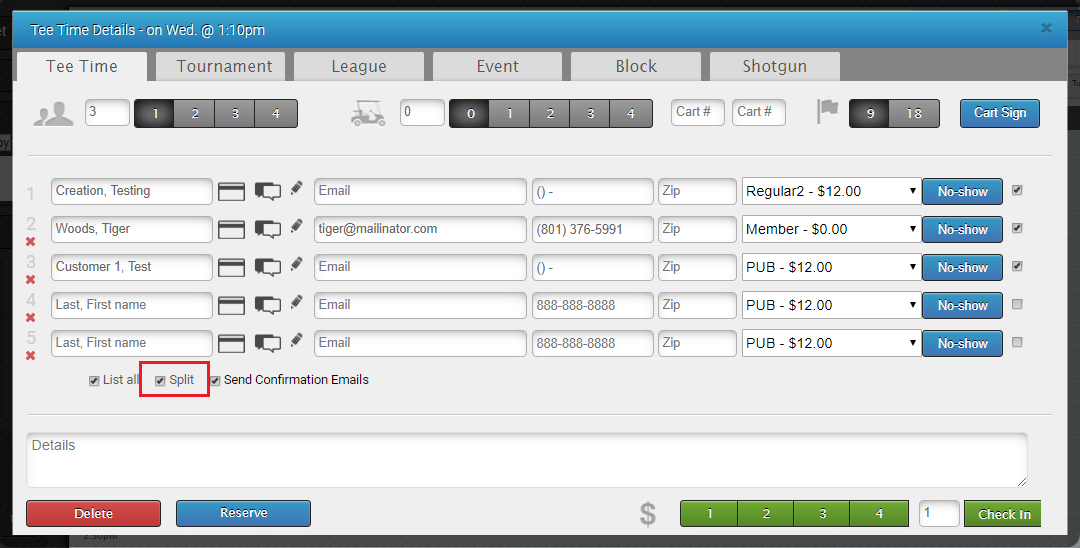
4. Once selected and updated, the tee sheet will reappear and it allows them to be checked in, paid, or marked as a no-show all separately/split.

5. Lastly, the two dash marks can be extended down for bigger groups or slower players.