
1. Go to the Tee Sheet module. 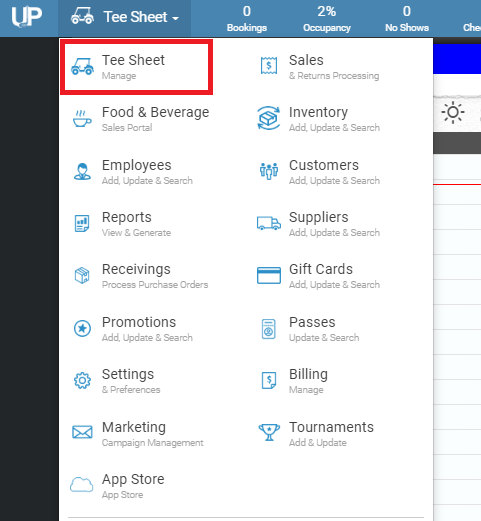
2. In the space to the right of a booking, 'right-click' and select "Add Squeeze." (This will create a time, midway between your increments. i.e. 8:03 am between the 8 am and 8:07 am times. The time will be created directly BELOW the increment you have right-clicked).
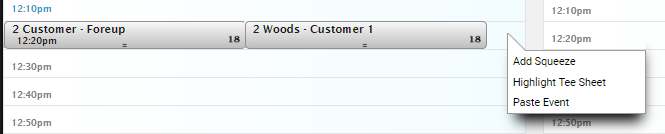
3. The squeeze will then appear.

**Note: The 'add squeeze' feature only creates one field at a time, if you want to squeeze an 18 hole round add a squeeze at the re-round time as well.
4. Select the squeeze time and create a reservation just like a normal tee time.