
Click HERE to view a YouTube tutorial for the Tee Sheet.
1. Go to the Tee Sheet module. 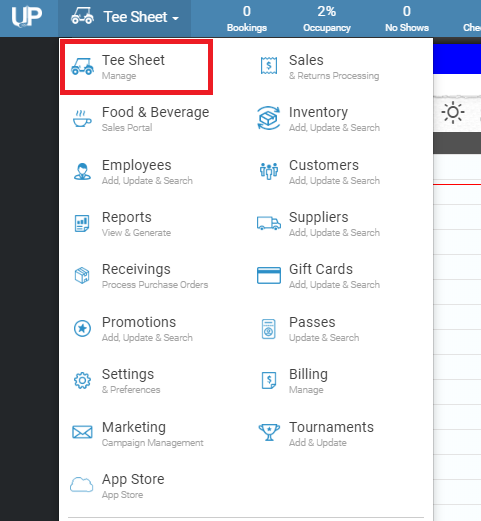
2. In the top right hand corner of the tee sheet, click on the “download” (down) arrow.

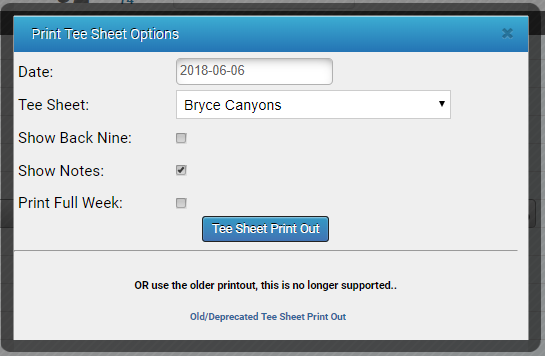
3. The system will load another page with options to customize the print out. Such as, show back nine, show notes, and print full week.
4. It will then download as a PDF at the bottom left hand corner of the screen. Click on it to open, and then print.