
Click HERE to view a YouTube tutorial for the Tee Sheet.
1. Go to the Tee Sheet module. 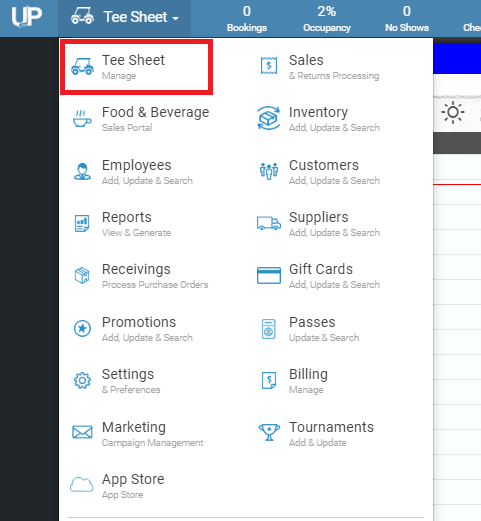
2. On the left-hand side, there is a button that reads “Weather”.
3. If not already showing, click on the “Weather” button.
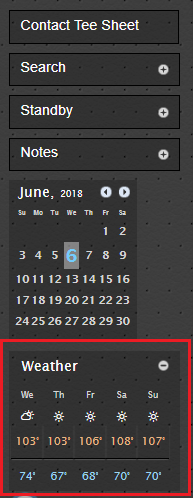
**Note: weather correlates with the zip code in settings.